Hongshi Optoelectronics Explained. Each article starts with a simple question and explores one principle.
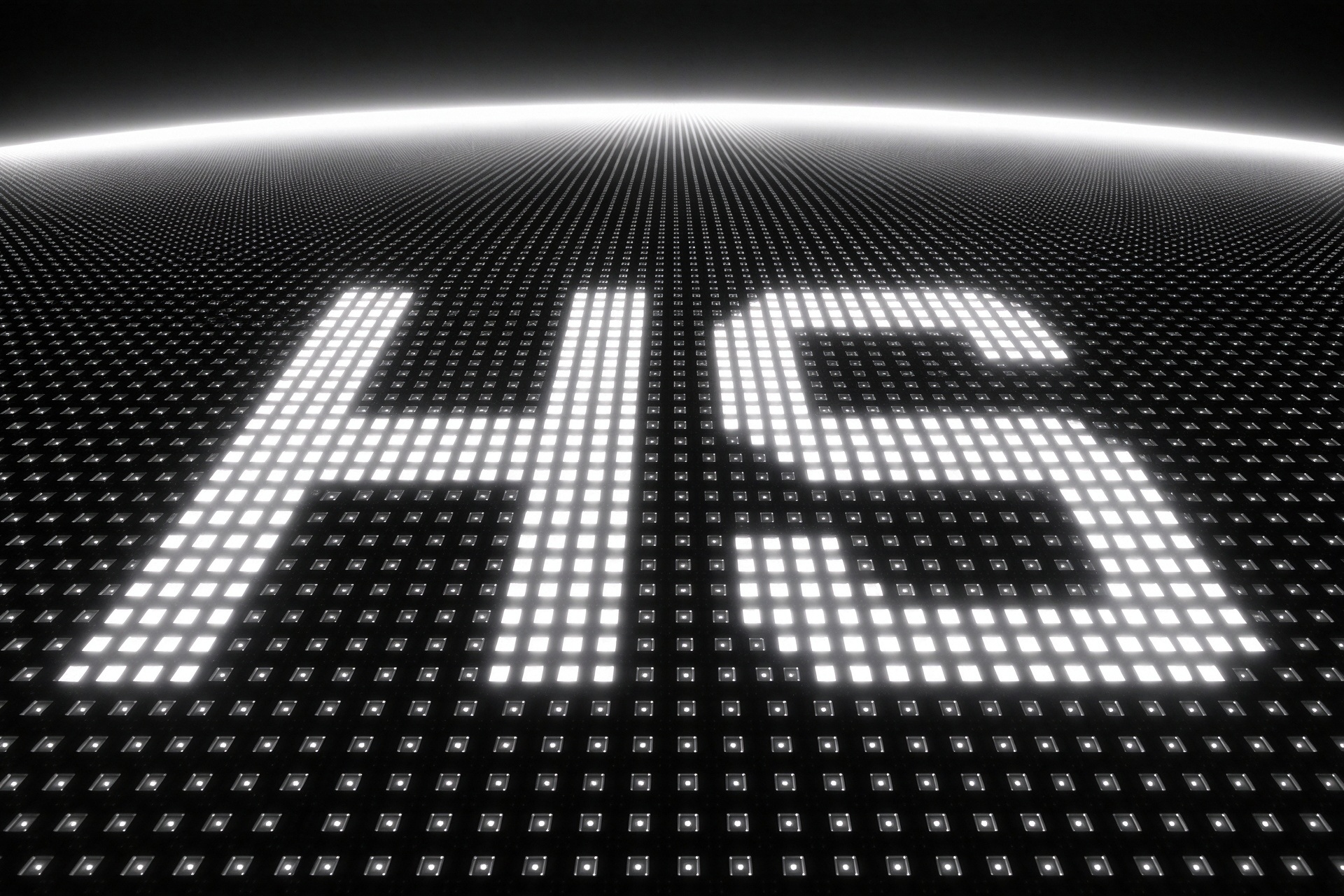
This time, we start with the white letters “HS” in an image. If the red, green and blue light has already been combined, why do the outlines of the letters still need careful alignment?
In a three-color MicroLED light engine, three microdisplay panels work together to produce a white “HS.” Each panel supplies the same lettering in its own color: red, green or blue. When the three images overlap accurately and their light intensities are balanced appropriately, the result is a white “HS” with clearly defined edges.
If one image shifts slightly, colored fringes can appear along those edges.
A Shared Optical Path Does Not Guarantee Image Alignment
In the previous article, we explained how a color-combining prism directs three light channels toward a common output. Sharing an output optical path, however, does not automatically align every position in the three images.
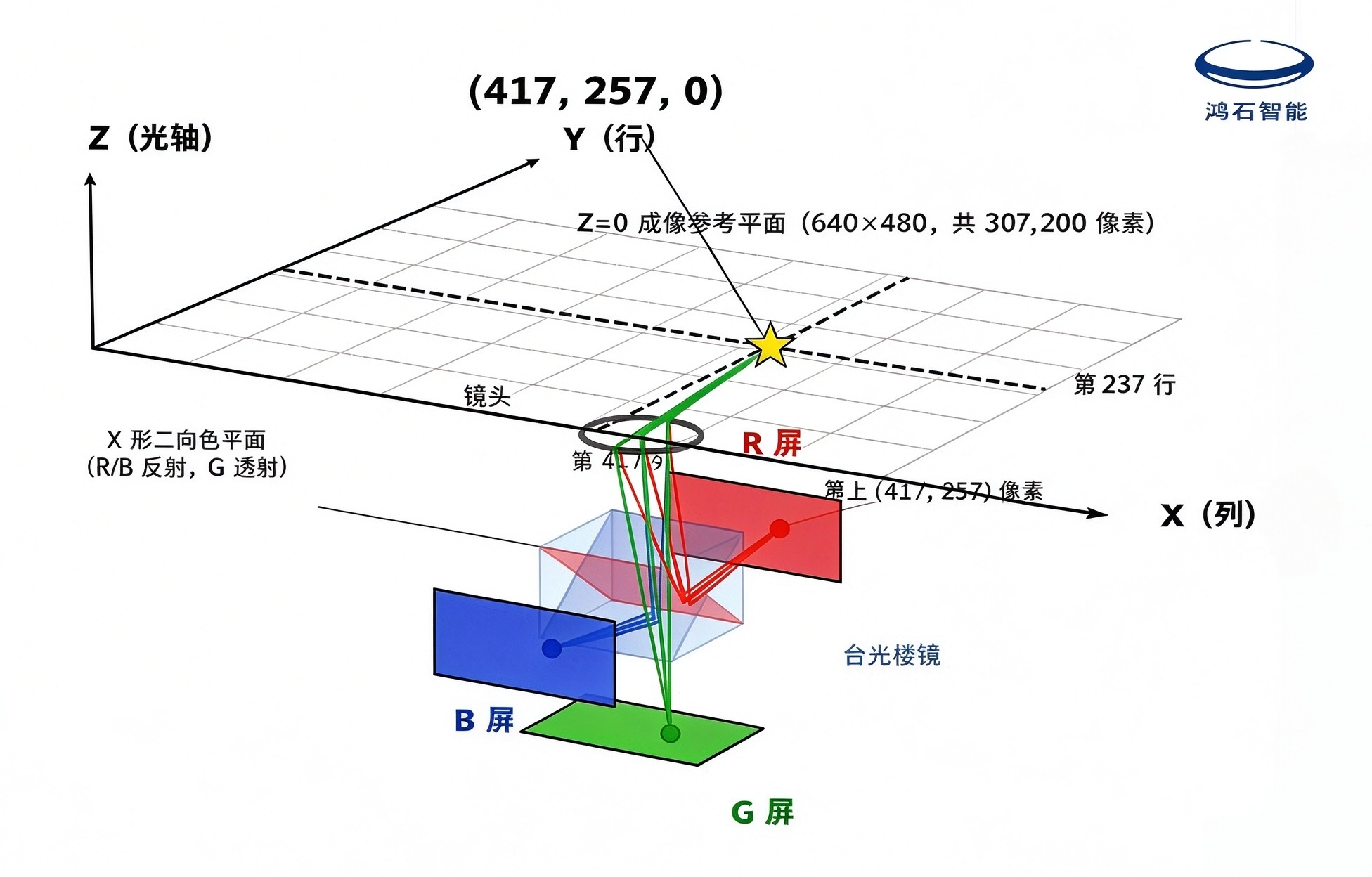
The panels sit on different sides of the prism, so their physical pixels occupy different positions. What needs to align is the image position produced by each corresponding pixel after its light passes through the optical system. The red, green and blue pixels that form a letter stroke must overlap at the corresponding positions in the final image to produce a clear outline.
Consider a resolution of 640 × 480. Each panel contains 307,200 pixels. We can select one image position to see how the three color images are aligned.
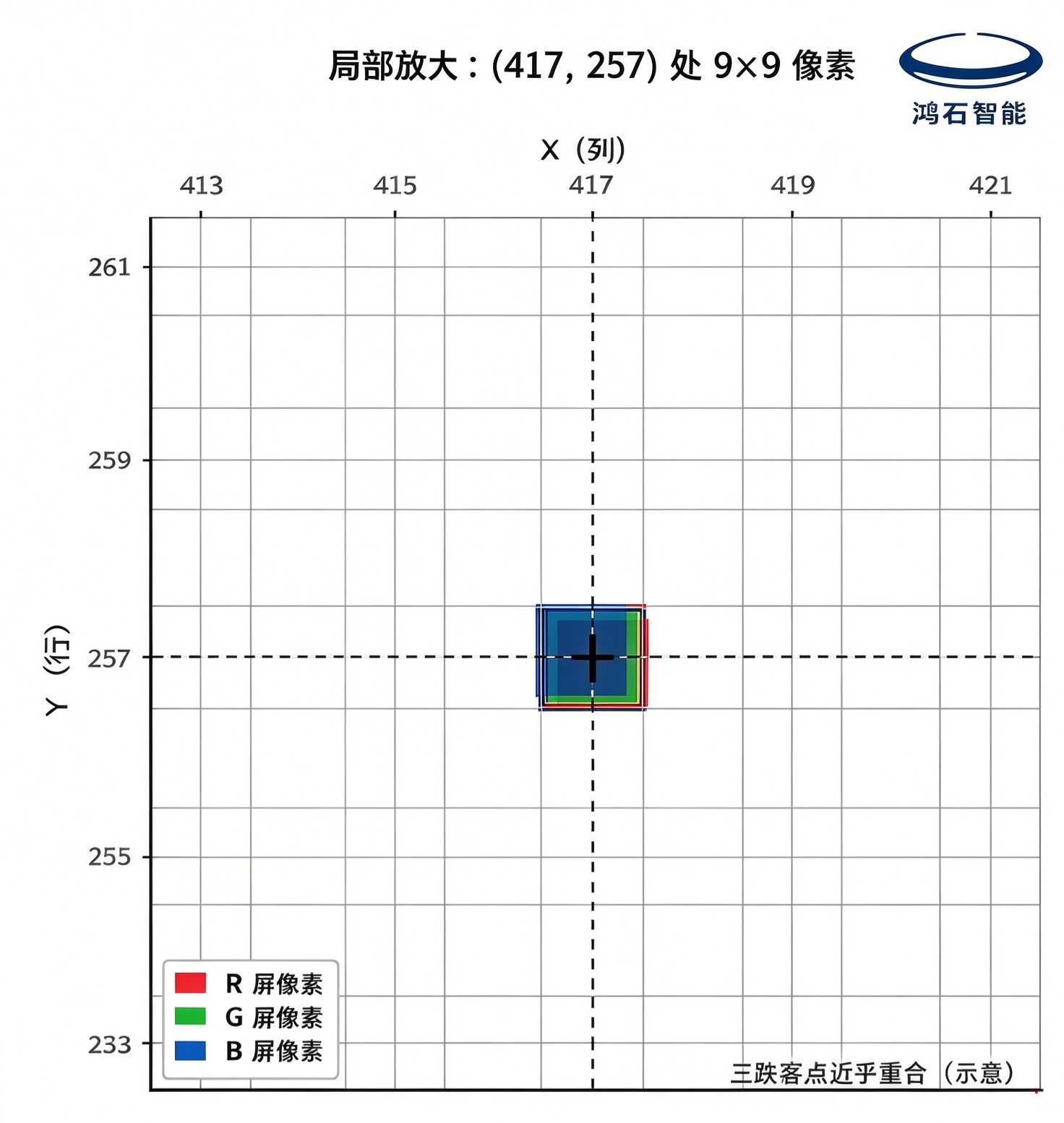
For this comparison, let X and Y represent columns and rows in a reference image. Define the distance between adjacent pixel centers as 1, and set the reference plane at Z = 0. The position at column 417, row 257 can then be written as (417, 257, 0). The pixels on the three panels responsible for this image position must produce images that align within the specified tolerance. These coordinates describe image positions, not the physical mounting positions of the panels.
Suppose the green and blue images are at (417, 257, 0), while the red image is at (417.3, 257, 0). The red image is displaced horizontally by 0.3 pixel pitch. If approximately 0.3 pixel pitch is taken as the alignment requirement in this example, the relative positional error between the three corresponding pixel images must stay within that range. Axial focus must be checked separately.
The adjustments are made to the position and orientation of each entire microdisplay panel. Selecting one pixel helps illustrate the correspondence between the images; it does not mean that pixels are moved individually on the panel.
Aligning One Point Is Not Enough
Suppose the red “HS” is slightly rotated relative to the other two images. Even if one corresponding point overlaps, other parts of the letters may remain misaligned. Alignment therefore needs to be checked across different areas of the image, rather than at just one point.
A panel’s position along the optical path and its tilt also affect image sharpness. The alignment process must account for different image areas so that all three channels match in position, orientation and sharpness.
Using the Output Image to Guide Adjustment
Active alignment, or AA, uses actual imaging results to guide assembly adjustments.
In a typical active alignment process, test patterns are displayed on the microdisplay panels. An imaging inspection system captures the output images and measures their misalignment. The panel positions and orientations are then adjusted in small increments, with measurements repeated until the specified alignment requirements are met.
This image feedback is what makes the process “active.” Mechanical positioning provides the starting point for assembly. The images produced by the operating panels then help determine whether the optical system meets its alignment requirements. After adjustment, the panels must be secured and the alignment checked again to confirm that it remains within tolerance.
For us, active alignment is an important step in translating optical design into actual image quality. It involves assessing errors in the displayed images, bringing the three channels into alignment, and checking the result again after the panels are secured. The strokes and edges of the white “HS” introduced at the beginning provide a straightforward way to see the effect of these adjustments.